


If you’re having trouble logging into our customer community at community.thomasjfrank.com, resetting your password is the quickest way to get back in. Here’s how to do it.
Copy link to headingReset Your Password
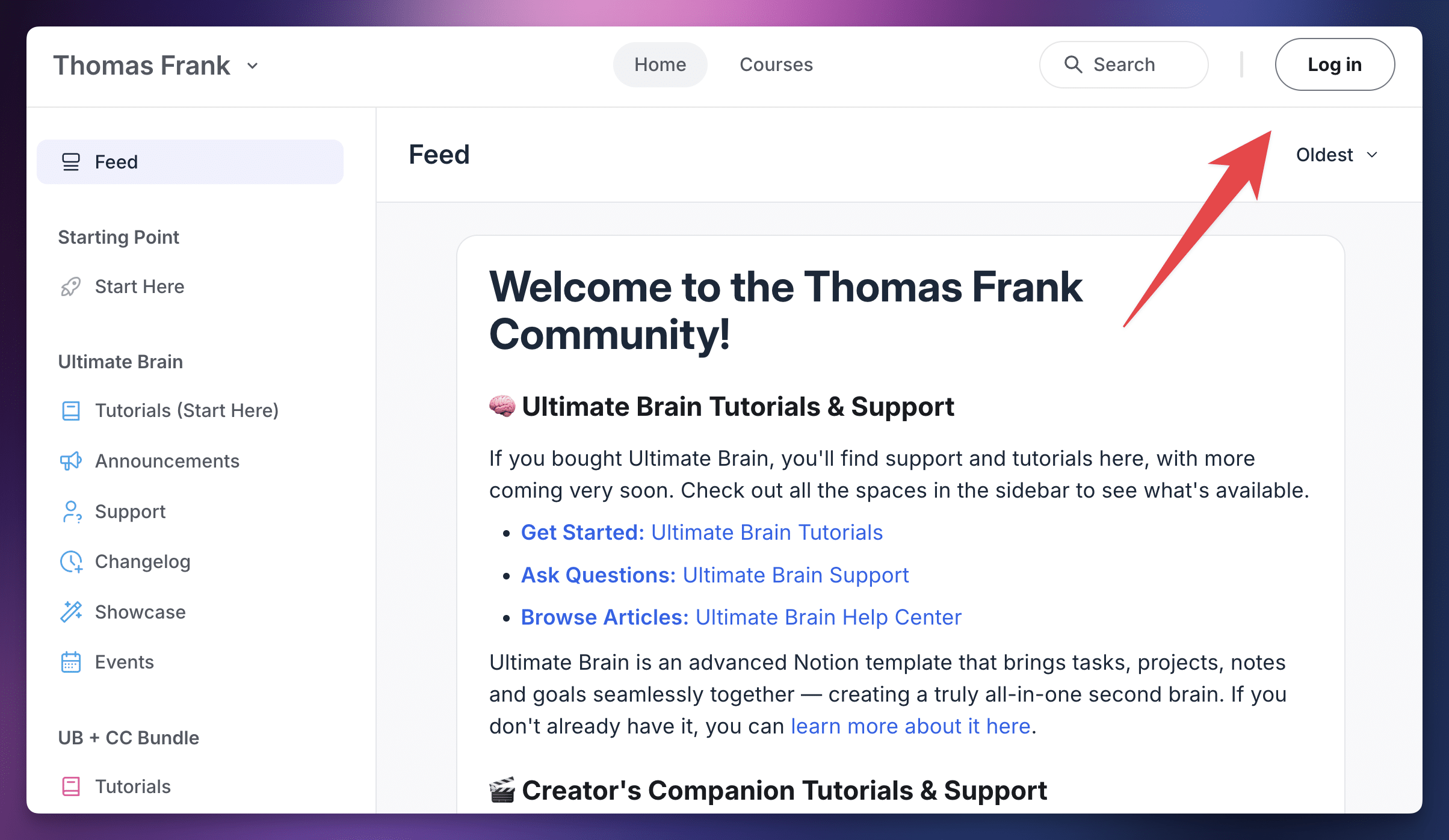
Head to community.thomasjfrank.com and click the Login button at the top-right corner of the page.
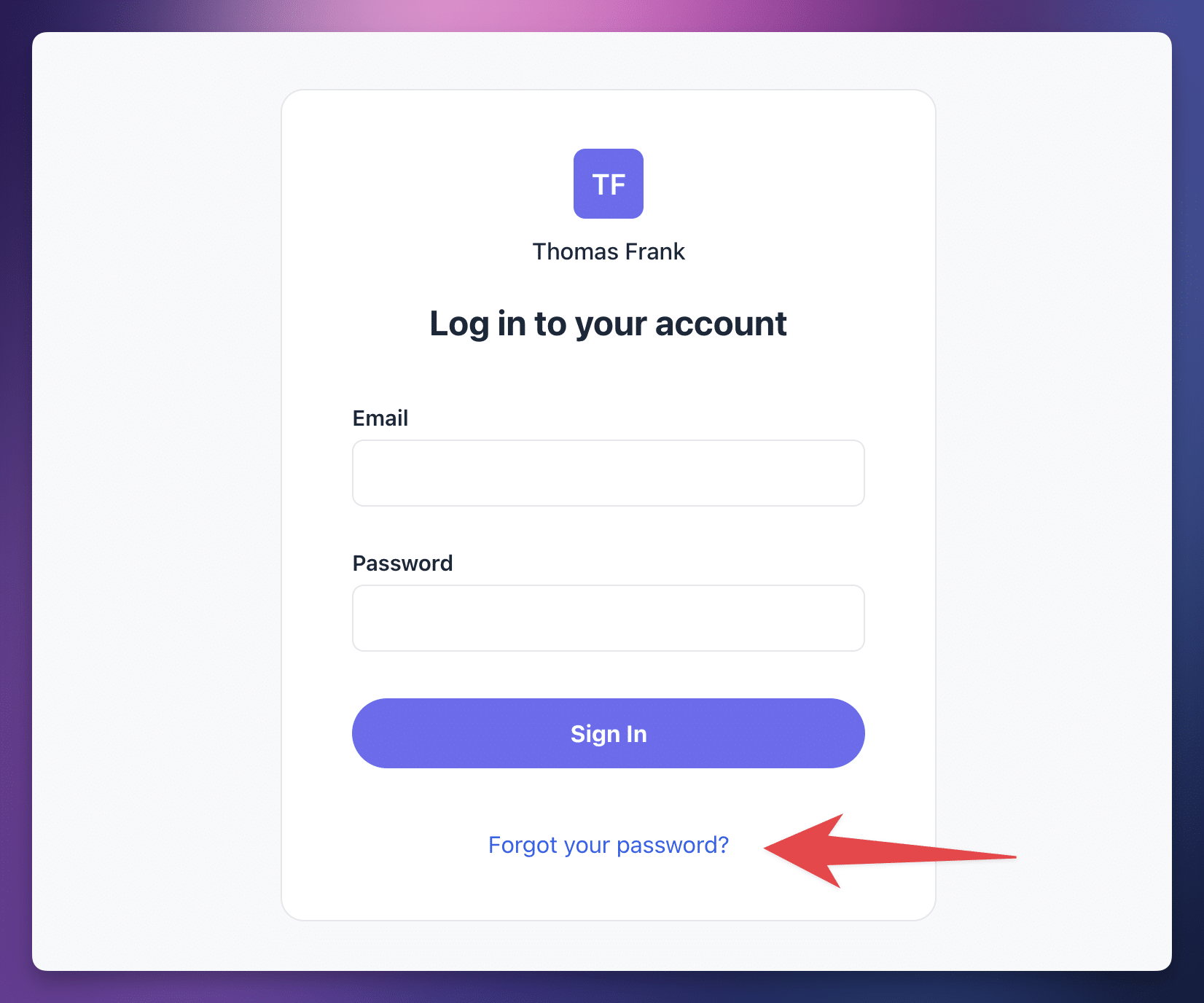
On the login screen, click the Forgot Your Password? link near the bottom.
You’ll be prompted to enter the email address associated with your community account. Enter it, and you’ll receive an email with a link to reset your password.
Click the link in the email, set a new password, and you’re all set.
Note: If you’re not sure which email you used to sign up for the community, try checking your inbox for past emails from our community. You may have signed up with a different email than the one you used to purchase your template.
For more detailed instructions on changing or resetting your password, you can also refer to Circle’s official help article on the topic. Our community runs on Circle, so their instructions apply here.
Copy link to headingLog Back In
Once you’ve reset your password, head back to community.thomasjfrank.com and log in with your email and new password. You should now have access to all of the community spaces associated with your template purchase.
Copy link to headingStill Can’t Log In?
If resetting your password doesn’t solve the issue, email us at [email protected] from the same email address you use in our community, and we’ll help you regain access.
If you need to contact us from a different email address, please have a purchase receipt for your template handy so we can verify your purchase. It’ll likely be in your email inbox (or in an archive folder), but you can also see our instructions on generating a purchase invoice if you need to do so.