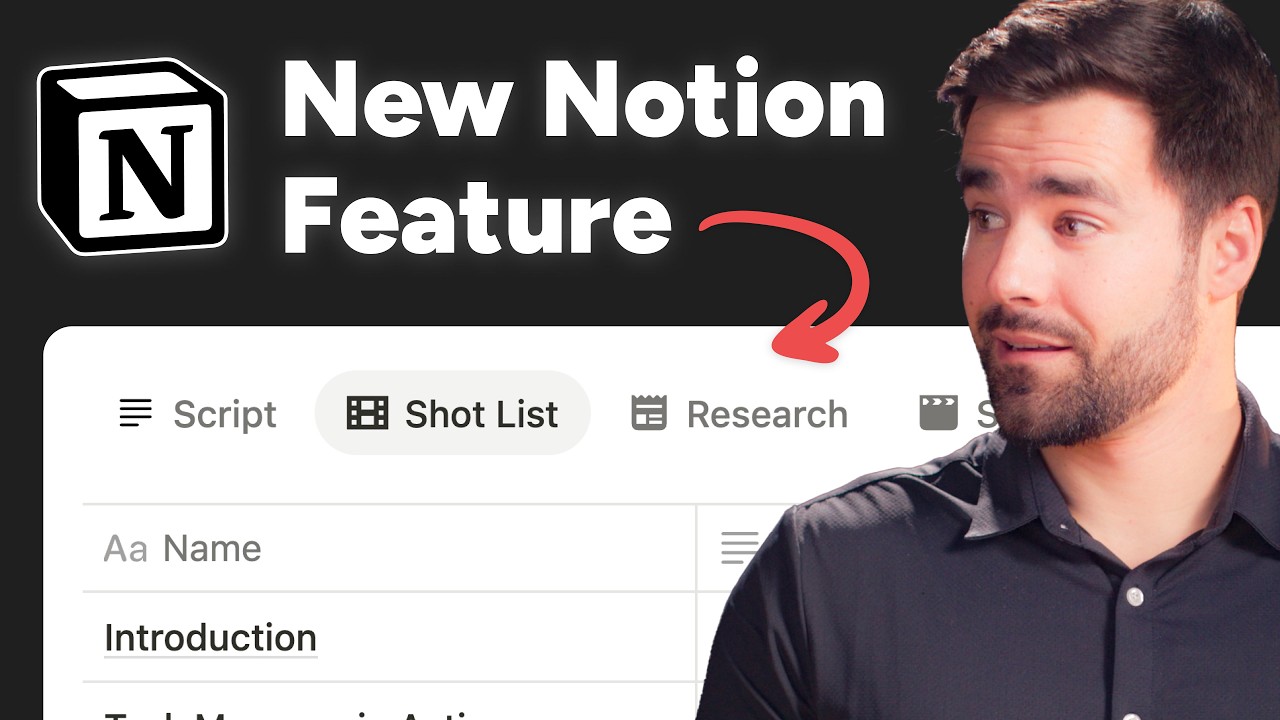


Notion’s Tabbed Layouts feature allows you to add tabs to the page layout of databases. These tabs can each contain a view of a related database – e.g. another database that is connected to the current one via a Relation property.
You can use this feature to create tabs within every page of a database, each containing a useful view of related pages. For instance, in the Content database, you could create tabs to show:
- B-Roll
- Content Repurposing Ideas
- Research
We may add Tabbed Layouts to Creator’s Companion in the future, but we don’t have immediate plans to do so.
However, I’ve created a video that will show you exactly how to add them to your own copy.
I also created a shorter overview video, which you can watch if you want a shorter introduction to this feature: